
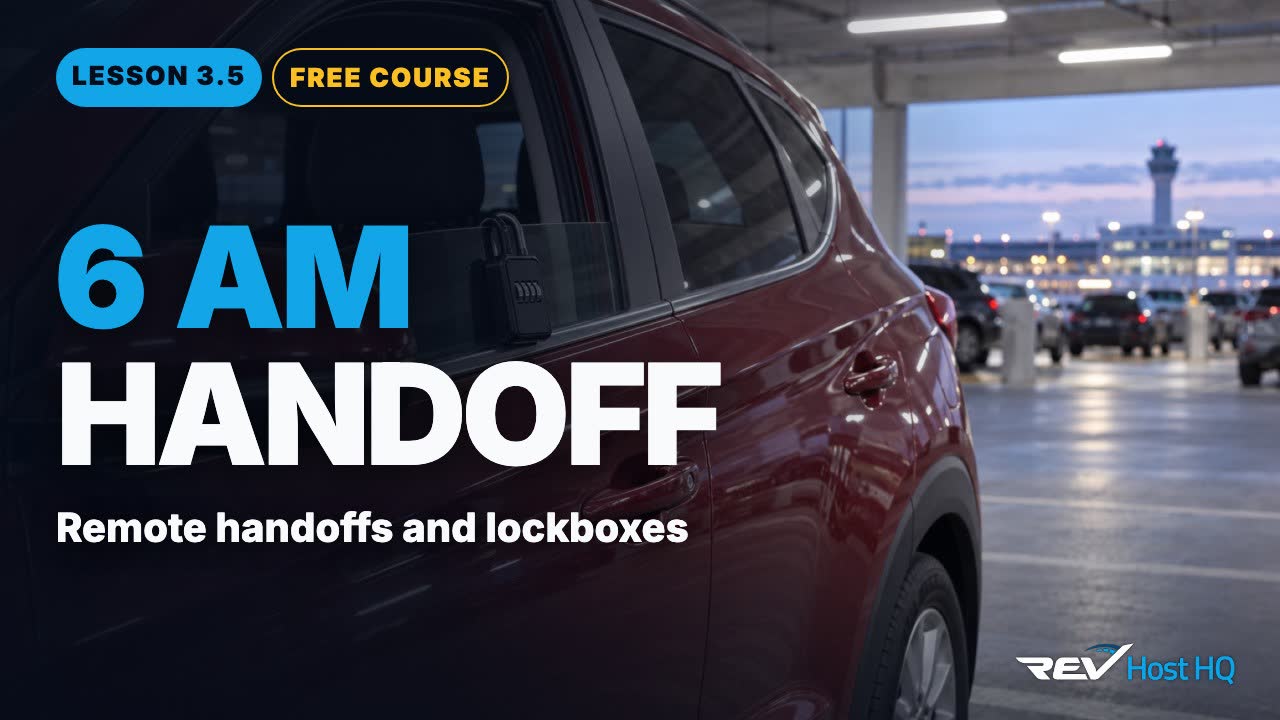
Six in the morning, and Sam is asleep
Last time: how do great messages sound? Clear, fast, and on Turo.
Sunday, six in the morning. A guest lands in Austin. Sam is asleep across town. The guest still gets the car.
Remote handoffs let one host run more cars. One host runs about fifteen cars this way. Done wrong, they can void your protection. Here are Turo’s two approved ways, the rules, and the hiding spots that can cost you a claim.
Turo’s two approved ways
Turo approves two ways to hand over a car without being there. A lockbox, or remote unlock through the carmaker’s own app.
If your car’s own app can lock and unlock it, that’s the second approved way, and the guest never touches a lockbox. Turo lists only these two.
Either way, Turo still requires a physical key with the car, kept in a signal-blocking (RF-blocking) pouch. Remote doesn’t mean keyless.
The lockbox rules
If you use a lockbox, the rules are simple:
1. Change the code before every trip.
2. Share it only in Turo messages.
3. Share it only after you’ve confirmed the guest’s license.
4. Never put it in a scheduled message.
The first rule is the one that slips. A code that never changes is a code every past guest still has.
That last one matters if you schedule your welcome message, as in lesson 3.4. The welcome can be scheduled. The code can’t.
Hosts keep it simple: a mechanical lockbox on the window, with the code changed often. One host who hands off every car remotely sends the code about 30 to 45 minutes before the trip, and holds it until the license is verified.
Where can you leave the key?
In the wheel well, under the floor mat, or in a lockbox? Only the lockbox.
Turo names the hiding spots that can void your claim: wheel wells, tires, the gas cap, the wipers and the floor mats. A key left loose in the car is no better.
Verify the license, then hand over
Before any code goes out, confirm the guest’s license. Turo lists the checks to run, and it doesn’t accept digital licenses or photocopies. Skip the check, and Turo can void your protection.
Only then does the code go out, in Turo messages. That’s the order: license, code, key, photos.
Photos close the loop. Take your trip photos before the guest arrives, and again when the car comes back. Lesson 3.6 covers exactly what Turo asks for. One coach also has guests photograph their license and the plate at pickup, which catches a guest who walks up to the wrong car.
Handoffs at the Austin airport
Airport trips have their own rules. At the Austin airport, use only the permitted lots. Curbside handoffs are prohibited, and plate readers are watching.
Hosts say airport handoffs need an exact pin, a photo of the spot, and the parking details.
When a car comes back to a lot you don’t watch, you want to know it’s there. An alert when a car arrives at, or leaves, your lot closes that gap.
| Permitted lots | Blue Garage, Red Garage, Economy, H Lot |
| Curbside handoffs | Prohibited |
| Enforcement | Plate readers |
| Second violation | $250 |