
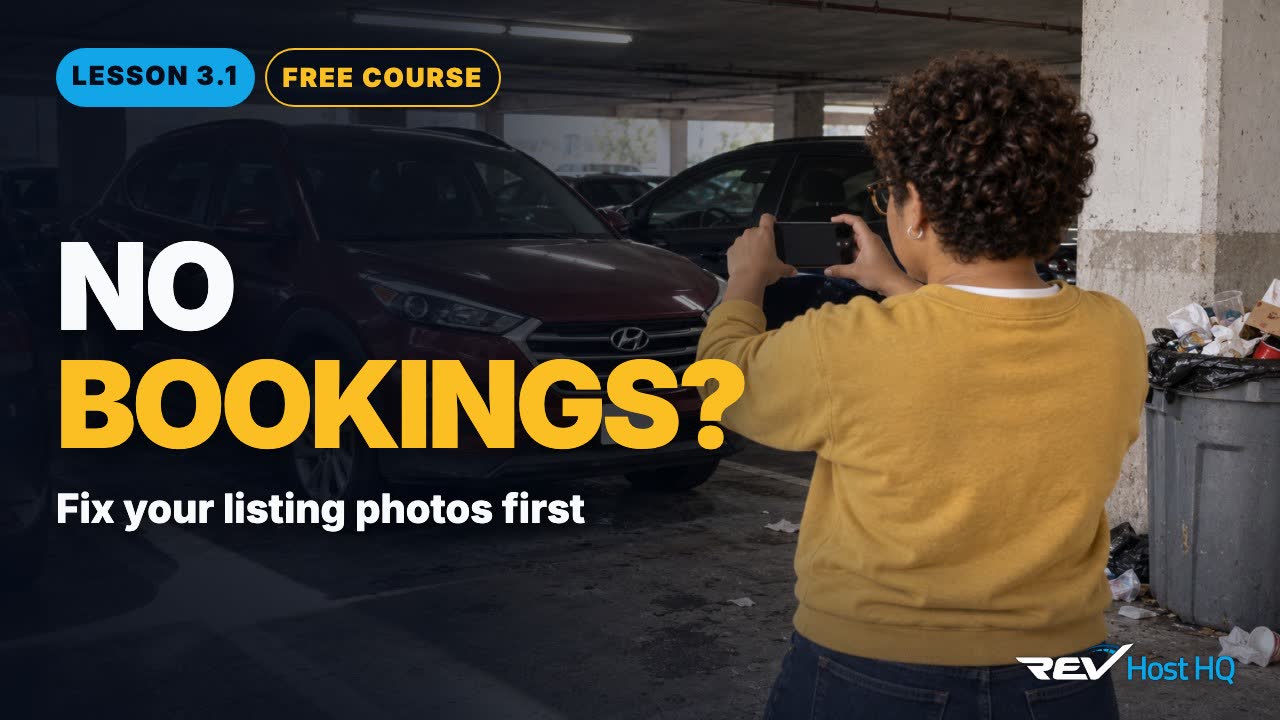
Three photos, then nothing
Last lesson ended on one question: when is a car a rental car? When it can pay itself back. Sam’s Tucson can. So Sam lists it.
Three quick photos at noon, in a parking garage, with a trash can in the shot. Published. Then, nothing.
Here’s the thing. Your photos are your storefront. Turo says it plainly: “An increase in photos contributes to an increase in your ranking score.” So this lesson covers how to list a car that gets booked. And the one setting that can make a car invisible.
The photos: 10 or more, from 12 angles
Turo needs only one photo to publish a listing. But it recommends at least ten, from twelve angles: outside, inside, and the trunk.
Hosts swear by one hero shot. Front three-quarter, wheels turned, camera low, at golden hour. Nothing else in the frame: no other cars, no trash cans, no garage doors. Shoot the car the way the guest will receive it.
Hosts add a few habits for the rest of the set. Step back, because Turo crops photos. A phone camera from ten to fifteen feet away is fine, and an ultrawide lens helps inside. Move the seats between shots so each one shows the space.
And skip the shortcuts. Turo doesn’t allow stock photos, AI-edited pictures or text on top of a photo. You can cover the license plate.
| Outside (6) | Front, front three-quarter, passenger side, rear, rear three-quarter, driver side |
| Inside (5) | From the driver’s door, dash close-up, front seats, dash from the back, back seats |
| Cargo (1) | Trunk |
The words: features, rules and instructions
Next, the words. Fill in every feature guests can filter for: Apple CarPlay, Bluetooth, a backup camera, all-wheel drive.
Then keep a few things out. Turo doesn’t allow your phone number, your address or social links in the listing. It doesn’t allow fees or deposits it doesn’t support, either.
And write clear instructions: how to find the car, how to get in, and how to return it. Turo expects hosts to send guests clear find-the-car instructions, so write them once and write them well.
Hosts who run every trip remotely go one step further and keep a short car guide ready: pickup and return steps, a welcome message, and answers to the questions guests always ask. You’ll build those messages in lesson 3.4.
Can the airport be your car’s home?
Sam lives twenty minutes from the Austin airport. So can Sam set the airport as the Tucson’s home location?
No. Turo doesn’t allow an airport as a car’s home location. Sam lists the car at home, and offers airport delivery to the permitted lots instead. Lesson 3.5 covers which lots those are in Austin.
The setting that can make a car invisible
That setting is the location. One host’s pin sat on a hotel instead of the airport. Zero bookings in two weeks. The host fixed the pin and got six bookings in a day.
So search for your own car, as a guest, the way a guest would: the right dates, the right area, the right filters. Check that it shows up, and that the photos and price look right next to the cars around it.
One more step before you go live: Turo asks new hosts to take a host orientation webinar, and reviews each new listing. A listing goes live 24 to 48 hours after that review.